Modern résumé template
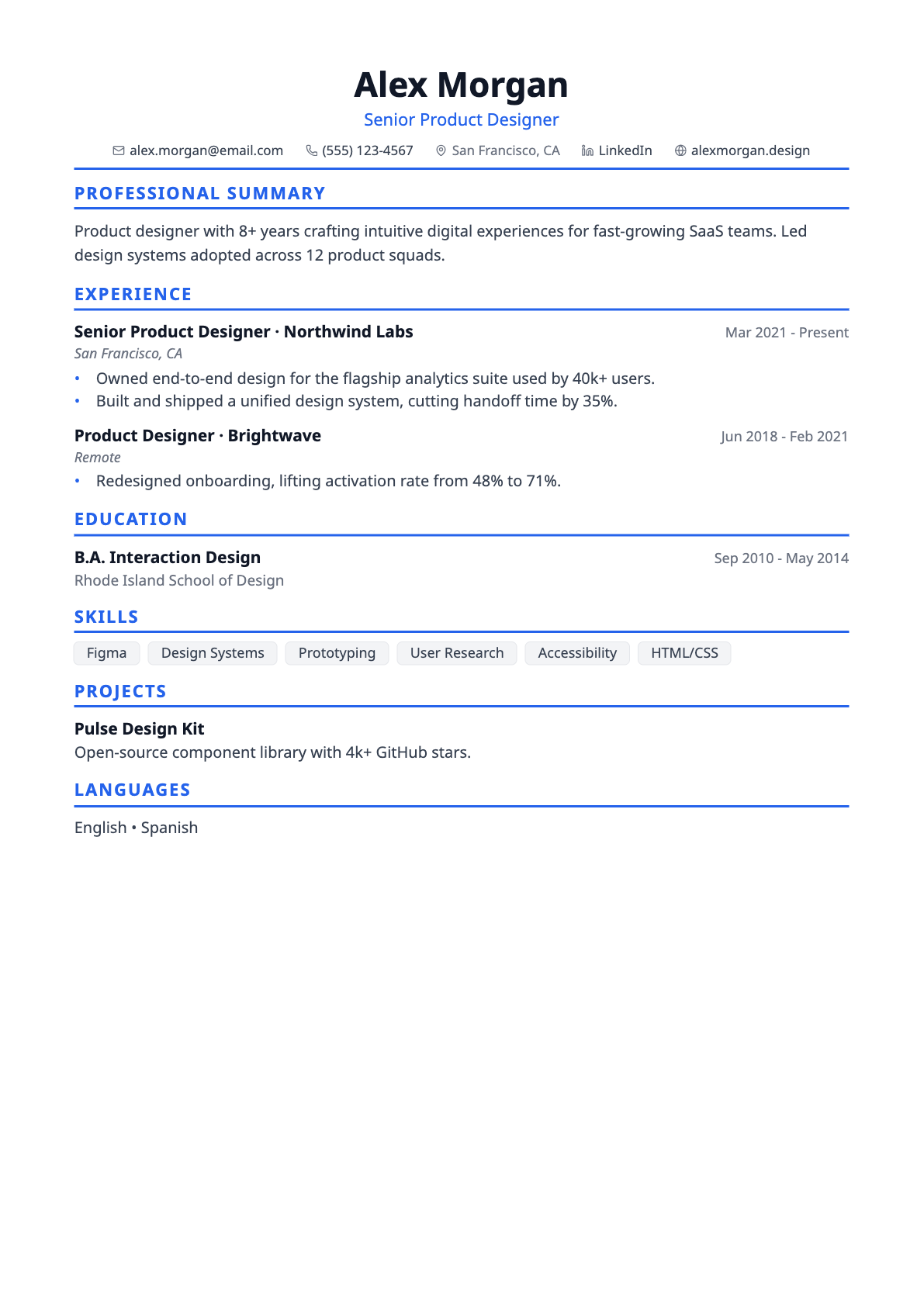
A clean, centred résumé template with a blue accent — the safe default for most applications.
Modern is the template most people should start with. A centred name and title, a single accent rule under the header, and one column of content underneath — nothing that competes with what you actually wrote.
Because it is a single-column layout with standard headings, it parses cleanly in applicant tracking systems while still looking considered rather than generic.
Best for
- Software and product roles
- Career changers who want a neutral canvas
- Anyone unsure which template to pick
Template details
- Layout
- Single column, centred header
- Section headings
- Accent underline
- Skills
- Outlined tags
- Typeface
- Sans-serif (Noto Sans)
- Page size
- A4
- Exports
- PDF and DOCX
- Plan
- Free
Questions about the Modern template
Is Modern too plain for a design role?
It is deliberately restrained. If you want more personality while keeping an ATS-safe structure, Creative Serif and Creative both keep a single-column layout with more distinctive typography.
Is the Modern template ATS-friendly?
Yes. Text is drawn as real, selectable text rather than an image, so applicant tracking systems can parse it. Every template uses conventional section headings (Experience, Education, Skills) and exports to both PDF and DOCX, which are the two formats job applications normally accept. If you want the most conservative possible structure, the ATS-Max template is single column with no rules, tags or colour blocks at all.
Can I switch templates after I start writing?
Yes, at any time. The template is stored separately from your résumé content, so switching only changes the design — nothing is reordered, rewritten or lost. You can move between all templates from the builder toolbar and watch the page count update as you go.
Does it support non-English characters?
Yes. Latin, Greek, Cyrillic, Hebrew, Arabic and Chinese/Japanese/Korean text all render in both the on-screen preview and the exported PDF, with right-to-left scripts laid out in the correct direction.